Menu

Philips 243B1/00

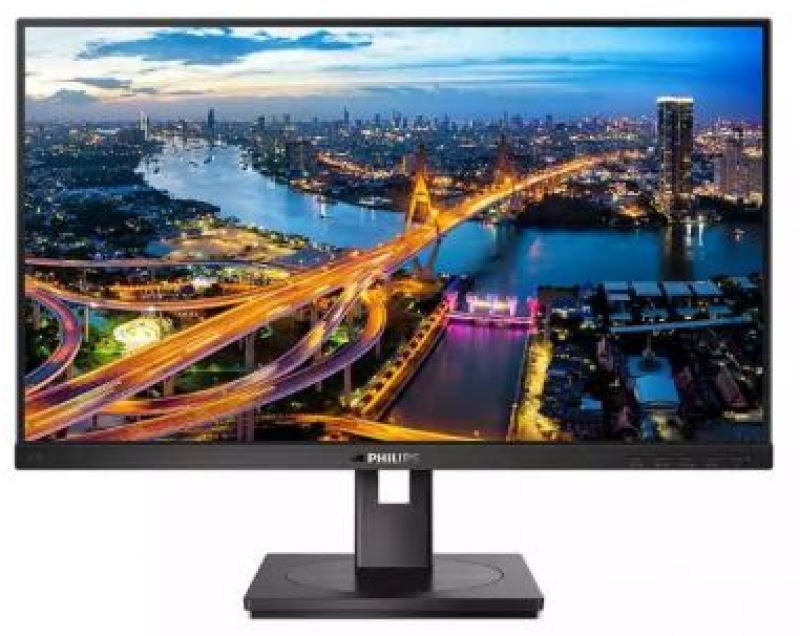
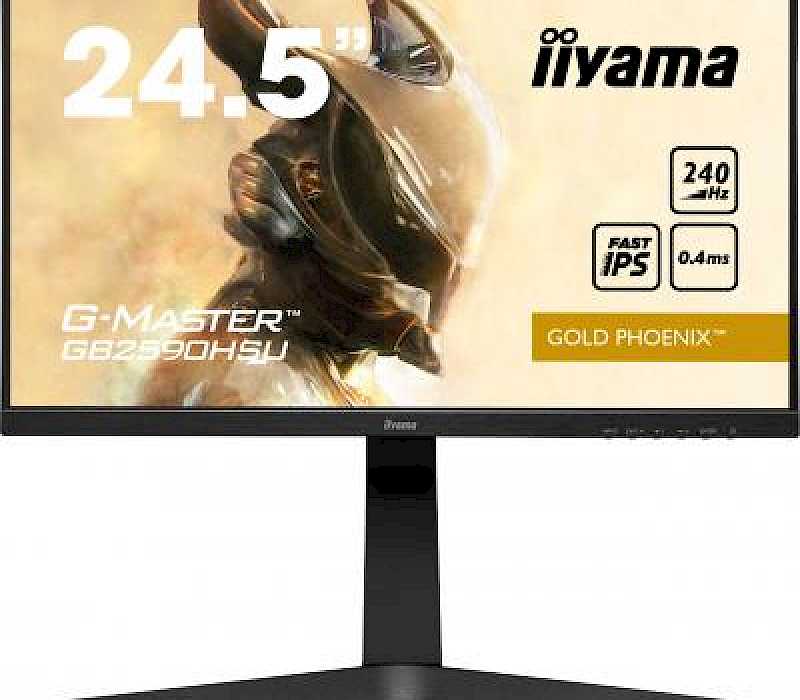
Product image - Philips 243B1/00

Library image (not actual item)

Displays > Flat panel displays (< 55")

Kindly donated by: Midwich

M.R.P. : 294.93
ID#: 2573

Quantity available: 7

Max quantity per request: 7

A professional 24-inch Full HD monitor designed to simplify modern workspaces with advanced USB-C connectivity and productivity-focused features. Combining crisp IPS image quality with a single-cable USB-C solution, the monitor allows users to transfer data, display video, and charge compatible laptops simultaneously for a cleaner, more efficient setup. With ergonomic adjustments, built-in speakers, eye-care technologies including LowBlue Mode and Flicker-Free performance, and energy-saving PowerSensor technology, the 243B1/00 is ideal for hybrid working, office productivity, and everyday business use.

The Philips USB-C monitor replaces cable clutter. View FHD image and recharge a laptop all at the same time with a single USB-C cable. Features like Daisy chain for multi-display setup, Flicker-free and LowBlue make work easy on the eyes.

Connect your notebook with one USB-C cable
This Philips display features a USB type-C connector with power delivery. With intelligent and flexible power management, you can power charge your compatible laptop directly. Its slim, reversible USB-C allows for easy, one-cable connection. You can watch high-resolution video and transfer data at super speed, while powering up and re-charging your notebook at the same time.

Less eye fatigue with Flicker-Free technology
Due to the way brightness is controlled on LED-backlit screens, some users experience flicker on their screen which causes eye fatigue. Philips Flicker-Free technology applies a new solution to regulate brightness and reduce flicker for more comfortable viewing.

LowBlue Mode for easy-on-the-eyes productivity
Studies have shown that just as ultra-violet rays can cause eye damage, shortwave-length blue light rays from LED displays can cause eye damage and affect vision over time. Developed for wellbeing, the Philips LowBlue Mode setting uses a smart software technology to reduce harmful shortwave blue light.

HDMI ensures universal digital connectivity
An HDMI-ready device has all the required hardware to accept High-Definition Multimedia Interface (HDMI) input. An HDMI cable enables high-quality digital video and audio to be transmitted over a single cable from a PC or any number of AV sources (including set-top boxes, DVD players, A/V receivers and video cameras).

SmartErgoBase enables user-friendly ergonomic adjustments
The SmartErgoBase is a monitor base that delivers ergonomic display comfort and provides cable management. The user-friendly height, swivel, tilt and rotation angle adjustments of the base allow the monitor to be positioned for maximum comfort to help ease the physical strains of a long workday. In addition, cable management reduces cable clutter and keeps the workspace neat and professional.

PowerSensor saves up to 70% energy costs
PowerSensor is a built-in 'people sensor' that transmits and receives harmless infrared signals to determine if the user is present and automatically reduces monitor brightness when the user steps away from the desk, cutting energy costs by up to 70 percent and prolonging monitor life.

LightSensor for the perfect brightness with minimal power
LightSensor uses a smart sensor to adjust the picture brightness depending on the light conditions in the room for the perfect picture with minimal power usage.

DisplayPort connection for maximum visuals
DisplayPort is a digital link from PC to monitor without any conversion. With higher capabilities than DVI standard, it is fully capable to support up to 15 metre cables and 10.8 Gbps/sec data transfer. With this high performance and zero latency, you get the fastest imaging and refresh rates — making DisplayPort the best choice for not only general office or home use, but also for the more demanding gaming and films, video editing and more. It also keeps interoperability in mind via the use of various adapters.

Power and re-charge compatible notebook from the monitor
This monitor features a built-in USB-C connector that meets USB Power Delivery standard. With intelligent and flexible power management, you can now power up and/or re-charge your compatible* Notebook directly from the Monitor using a single USB-C cable

Built-in stereo speakers for multimedia
A pair of high-quality stereo speakers built into a display device. They may be visible front firing, or invisible down firing, top firing, rear firing etc., depending on model and design.

Designed to meet environmental standards
Designed for sustainability and reduced operating costs, this monitor meets environmental standards. Such as: ENERGY STAR, EPEAT, TCO Certified.

The Philips USB-C monitor replaces cable clutter. View FHD image and recharge a laptop all at the same time with a single USB-C cable. Features like Daisy chain for multi-display setup, Flicker-free and LowBlue make work easy on the eyes.

Connect your notebook with one USB-C cable
This Philips display features a USB type-C connector with power delivery. With intelligent and flexible power management, you can power charge your compatible laptop directly. Its slim, reversible USB-C allows for easy, one-cable connection. You can watch high-resolution video and transfer data at super speed, while powering up and re-charging your notebook at the same time.

Less eye fatigue with Flicker-Free technology
Due to the way brightness is controlled on LED-backlit screens, some users experience flicker on their screen which causes eye fatigue. Philips Flicker-Free technology applies a new solution to regulate brightness and reduce flicker for more comfortable viewing.

LowBlue Mode for easy-on-the-eyes productivity
Studies have shown that just as ultra-violet rays can cause eye damage, shortwave-length blue light rays from LED displays can cause eye damage and affect vision over time. Developed for wellbeing, the Philips LowBlue Mode setting uses a smart software technology to reduce harmful shortwave blue light.

HDMI ensures universal digital connectivity
An HDMI-ready device has all the required hardware to accept High-Definition Multimedia Interface (HDMI) input. An HDMI cable enables high-quality digital video and audio to be transmitted over a single cable from a PC or any number of AV sources (including set-top boxes, DVD players, A/V receivers and video cameras).

SmartErgoBase enables user-friendly ergonomic adjustments
The SmartErgoBase is a monitor base that delivers ergonomic display comfort and provides cable management. The user-friendly height, swivel, tilt and rotation angle adjustments of the base allow the monitor to be positioned for maximum comfort to help ease the physical strains of a long workday. In addition, cable management reduces cable clutter and keeps the workspace neat and professional.

PowerSensor saves up to 70% energy costs
PowerSensor is a built-in 'people sensor' that transmits and receives harmless infrared signals to determine if the user is present and automatically reduces monitor brightness when the user steps away from the desk, cutting energy costs by up to 70 percent and prolonging monitor life.

LightSensor for the perfect brightness with minimal power
LightSensor uses a smart sensor to adjust the picture brightness depending on the light conditions in the room for the perfect picture with minimal power usage.

DisplayPort connection for maximum visuals
DisplayPort is a digital link from PC to monitor without any conversion. With higher capabilities than DVI standard, it is fully capable to support up to 15 metre cables and 10.8 Gbps/sec data transfer. With this high performance and zero latency, you get the fastest imaging and refresh rates — making DisplayPort the best choice for not only general office or home use, but also for the more demanding gaming and films, video editing and more. It also keeps interoperability in mind via the use of various adapters.

Power and re-charge compatible notebook from the monitor
This monitor features a built-in USB-C connector that meets USB Power Delivery standard. With intelligent and flexible power management, you can now power up and/or re-charge your compatible* Notebook directly from the Monitor using a single USB-C cable

Built-in stereo speakers for multimedia
A pair of high-quality stereo speakers built into a display device. They may be visible front firing, or invisible down firing, top firing, rear firing etc., depending on model and design.

Designed to meet environmental standards
Designed for sustainability and reduced operating costs, this monitor meets environmental standards. Such as: ENERGY STAR, EPEAT, TCO Certified.

Please note: these products have been box damaged.

Image showing known issues for this product

More Products

Browse more available products

This website is using cookies to provide the best browsing experience
These include essential cookies that are necessary for the operation of the site, as well as others that are used only for anonymous statistical purposes, for comfort settings or to display personalised content. You can decide for yourself which categories you want to allow. Please note that based on your settings, not all functions of the website may be available.
This website is using cookies to provide the best browsing experience
These include essential cookies that are necessary for the operation of the site, as well as others that are used only for anonymous statistical purposes, for comfort settings or to display personalised content. You can decide for yourself which categories you want to allow. Please note that based on your settings, not all functions of the website may be available.
Your cookie preferences have been saved.