Warning: Attempt to read property "title" on bool in /home/u761418011/domains/givingback.tech/public_html/site/templates/includes/title-simple.inc on line 24
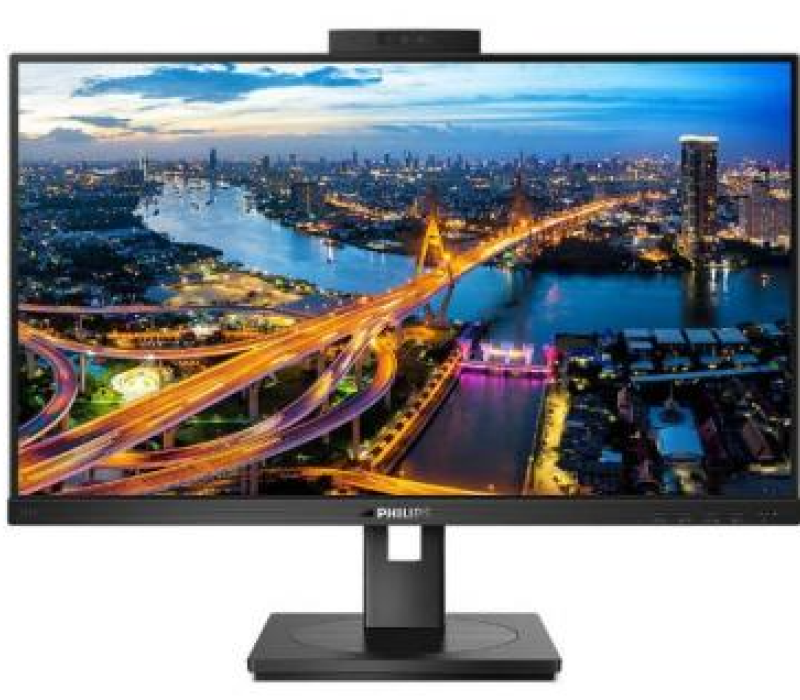
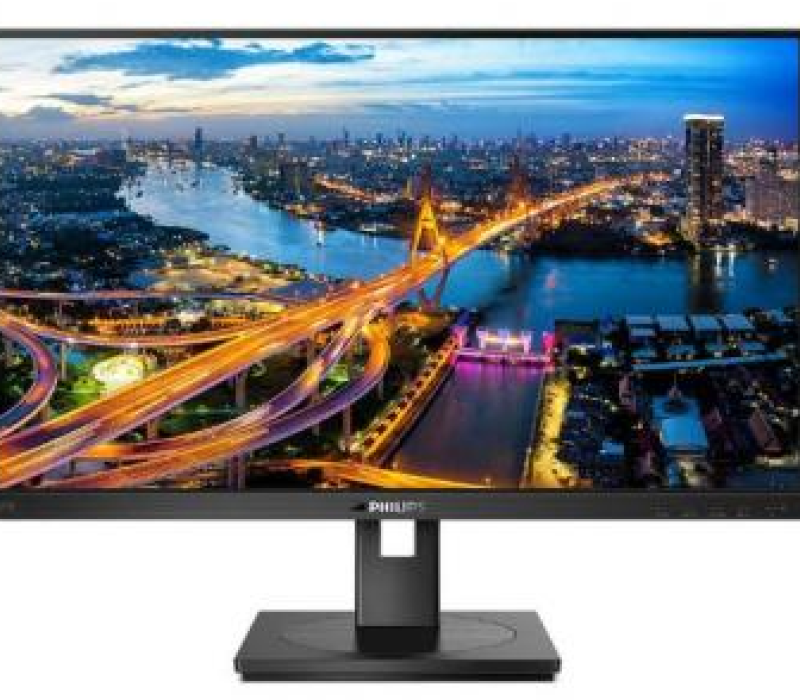
41B7QUBHEB/00
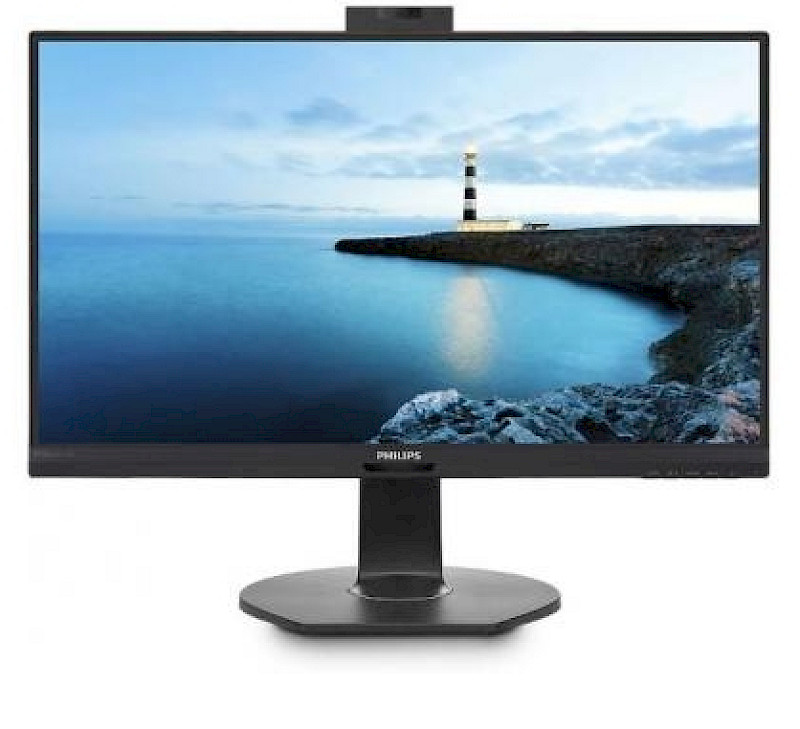
This Philips display features a built-in USB Type-C docking station with power delivery. With intelligent and flexible power management, you can power charge your compatible laptop directly. Its slim, reversible USB-C connector allows for easy, one - cable docking station. You can watch high-resolution video and transfer data at super-speed, while powering up and re-charging your notebook at the same time.
PS technology for full colours and wide viewing angles
IPS displays use advanced technology that gives you extra-wide viewing angles of 178/178 degrees, making it possible to view the display from almost any angle — even in 90-degree Pivot mode! Unlike standard TN panels, IPS displays gives you remarkably crisp images with vivid colours, making it ideal not only for Photos, films and web browsing, but also for professional applications that demand colour accuracy and consistent brightness at all times.
LowBlue Mode for easy-on-the-eyes productivity
Studies have shown that just as ultra-violet rays can cause eye damage, shortwave-length blue light rays from LED displays can cause eye damage and affect vision over time. Developed for wellbeing, the Philips LowBlue Mode setting uses a smart software technology to reduce harmful shortwave blue light.
Securely sign in with pop-up webcam with Windows Hello™
Phillips' innovative and secure webcam pops up when you need it and securely tucks back into the monitor when you are not using it. The webcam is also equipped with advanced sensors for Windows Hello™ facial recognition, which conveniently logs you into your Windows devices in less than 2 seconds, 3 times faster than a password.
PowerSensor saves up to 80% energy costs
PowerSensor is a built-in 'people sensor' that transmits and receives harmless infrared signals to determine if the user is present and then automatically reduces monitor brightness when then user steps away from the desk, cutting energy costs by up to 80 percent and prolonging monitor life
Built-in RJ-45 Ethernet gives data security
Built-in USB docking simplifies your connections
Philips USB-docking monitors deliver universal port replication for simple, clutter-free notebook connection. Securely connect to networks and transmit data, video and audio from a laptop using just a single USB cable. What's more, you can dock with a USB Type-C port for additional power charging. With docking monitors with built-in DisplayLink Technology, users can benefit from forwards and backwards USB compatibility with virtually any recent notebook. USB docking can boost business productivity and reduce costs.
DisplayPort-out for connecting additional displays
With DisplayPort-out you can connect multiple high-resolution displays with just one cable from your first display to the PC. The ability to daisy chain multiple displays enables you to maintain a clean desktop without the hassle of too many wires.
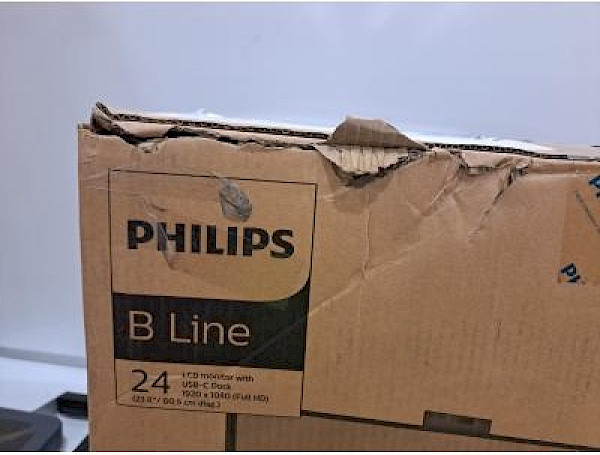
Note that this product has been box-damaged. Please see the photo provided.
This website is using cookies to provide the best browsing experience
These include essential cookies that are necessary for the operation of the site, as well as others that are used only for anonymous statistical purposes, for comfort settings or to display personalised content. You can decide for yourself which categories you want to allow. Please note that based on your settings, not all functions of the website may be available.
This website is using cookies to provide the best browsing experience
These include essential cookies that are necessary for the operation of the site, as well as others that are used only for anonymous statistical purposes, for comfort settings or to display personalised content. You can decide for yourself which categories you want to allow. Please note that based on your settings, not all functions of the website may be available.